XPortal Handbook
Practical guidance for the people who use XPortal every day.
XPortal brings student administration, admissions, academic planning, finance, communications, and reporting into one workspace. This handbook explains the day-to-day workflows without requiring technical knowledge of how XPortal is built.
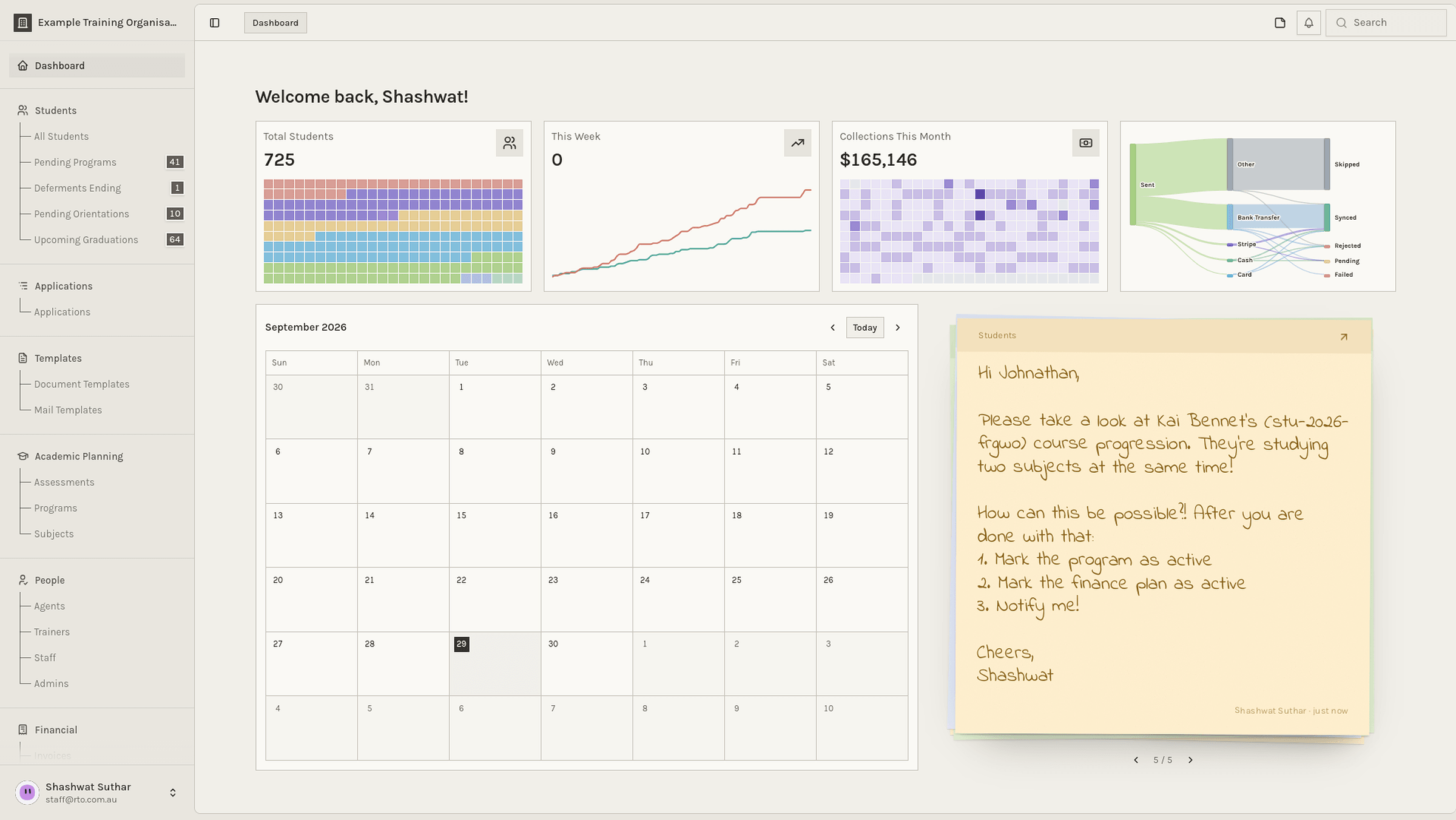
Your workspace may look different
XPortal shows tools according to your role and organisation. If a page in this handbook is not available to you, ask an administrator to confirm your access.
Start here
Begin with Getting started to learn the workspace, list views, filters, and everyday safety habits. The handbook uses the same names as the XPortal sidebar, so you can move easily between a guide and the product.
Core workflows
StudentsFind student records, work through action queues, communicate, and export.ApplicationsCreate applications with the New Application wizard and move applicants through admissions.Rolling intakesHow students join the course any week, get a study plan, and receive their classes.Academic planningCoordinate programs, subjects, deliveries, classes, and assessments.FinanceManage invoices, payments, deposits, templates, and commissions.Communications & workflowsReach students consistently and automate repeatable operational work.
Operations
ExportExport the right rows and visible columns to CSV, Excel, or Google Sheets.FilterBuild precise table filters with column actions, AND/OR connectors, and bracketed groups.
Working responsibly
- Confirm that you are working in the correct organisation before changing a record.
- Check the selected rows, filters, and date range before a bulk action or export.
- Keep student, financial, and identity information inside approved systems.
- Ask an administrator when a task is unavailable instead of trying to work around permissions.